Getting started with Turso
Tutorial coming soon. This placeholder shows the planned structure and example formatting; the finished walkthrough, screenshots, and video will follow.
What we’re building
A small app with persistent data. This outline follows the official Turso documentation. Choose the SDK that matches your database engine before continuing.
Create a database
Install the Turso CLI, then log in:
turso auth loginFor a new Turso Database instance, follow the cloud quickstart. For an existing libSQL database, use the libSQL SDK rather than the new engine’s SDK.
Connect from TypeScript
For a remote Turso Database instance:
npm install @tursodatabase/serverlessKeep credentials in server-side environment variables.
import { connect } from '@tursodatabase/serverless';

const connection = connect({
  url: process.env.TURSO_DATABASE_URL!,
  authToken: process.env.TURSO_AUTH_TOKEN!,
});

const query = await connection.prepare('SELECT 1 AS connected');
console.log(await query.all());Add your screenshots
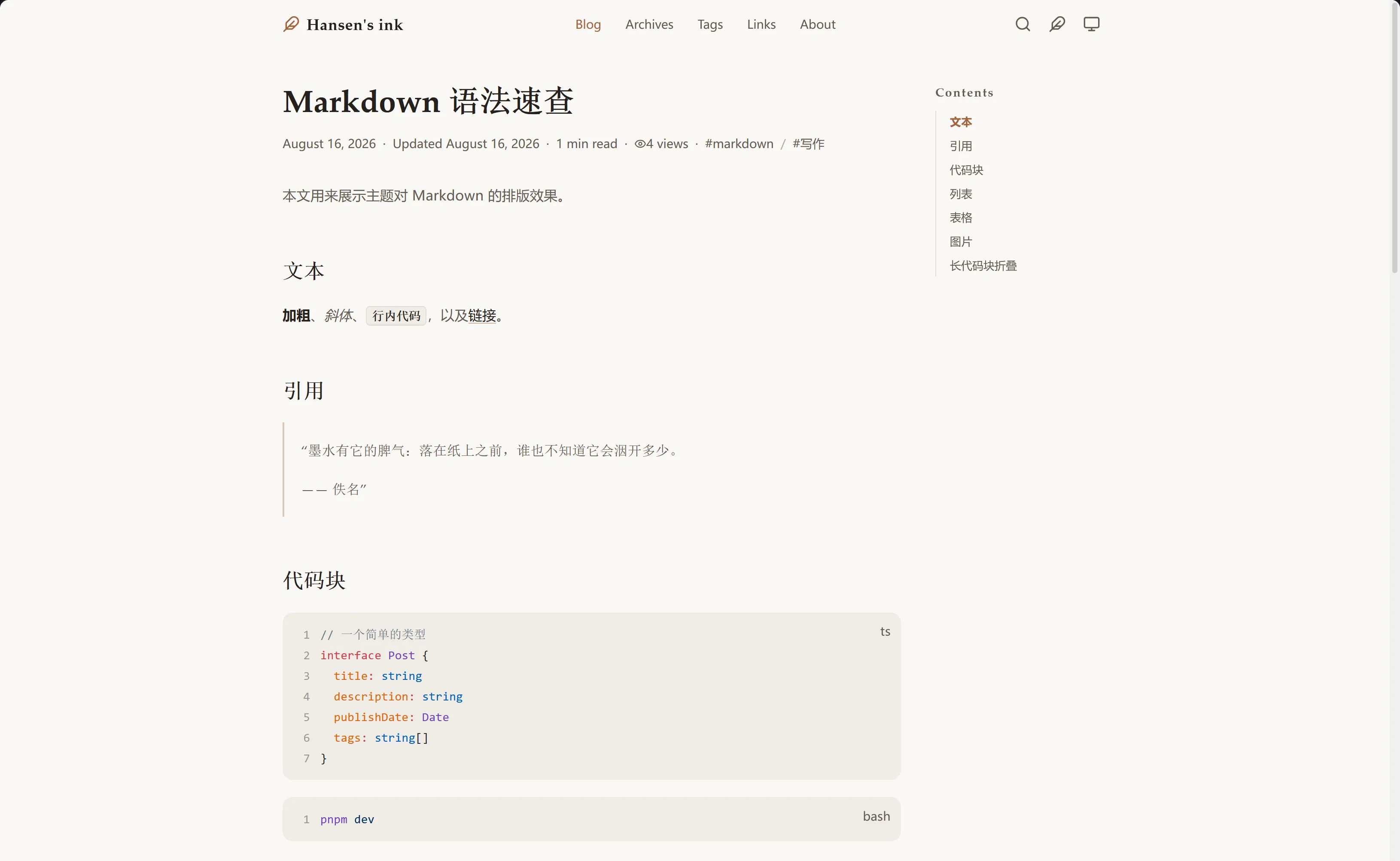
Replace this theme preview with your own screenshot. Put images in this article’s images folder, then use a relative Markdown path.
Add a video
Paste a YouTube URL on its own line, with a blank line before and after it. Replace the example ID below with your real video ID, and remove the code fence to embed it:
https://www.youtube.com/watch?v=YOUR_VIDEO_IDComing next
The finished tutorial will walk through database setup, a first query, and reading the results, with screenshots and a video you can follow along with.